 Spotify Lyrics Pop-Out
Free Chrome extension for YouTube Music
Pop out YouTube Music lyrics into a floating window
Real-time synced lyrics for music.youtube.com in a beautiful, always-on-top Picture-in-Picture window themed by each song's album art. Keep singing along while you work, browse, code or study.
Add to Chrome, it's freeNo account or sign-in · Free or Premium YouTube Music · Chrome 130+ on desktop
How to pop out YouTube Music lyrics
It takes under a minute. The lyrics window is Chrome's own Picture-in-Picture window, so it floats above every other app.
-
Add the extension
Install Spotify Lyrics Pop-Out from the Chrome Web Store. It's free, and the same extension works on YouTube Music and Spotify.
-
Play a song on YouTube Music
Open music.youtube.com in desktop Google Chrome and start any track.
-
Click Lyrics Pop-Out
Click the extension icon, then the green Lyrics Pop-Out button on the page. Move the window anywhere.
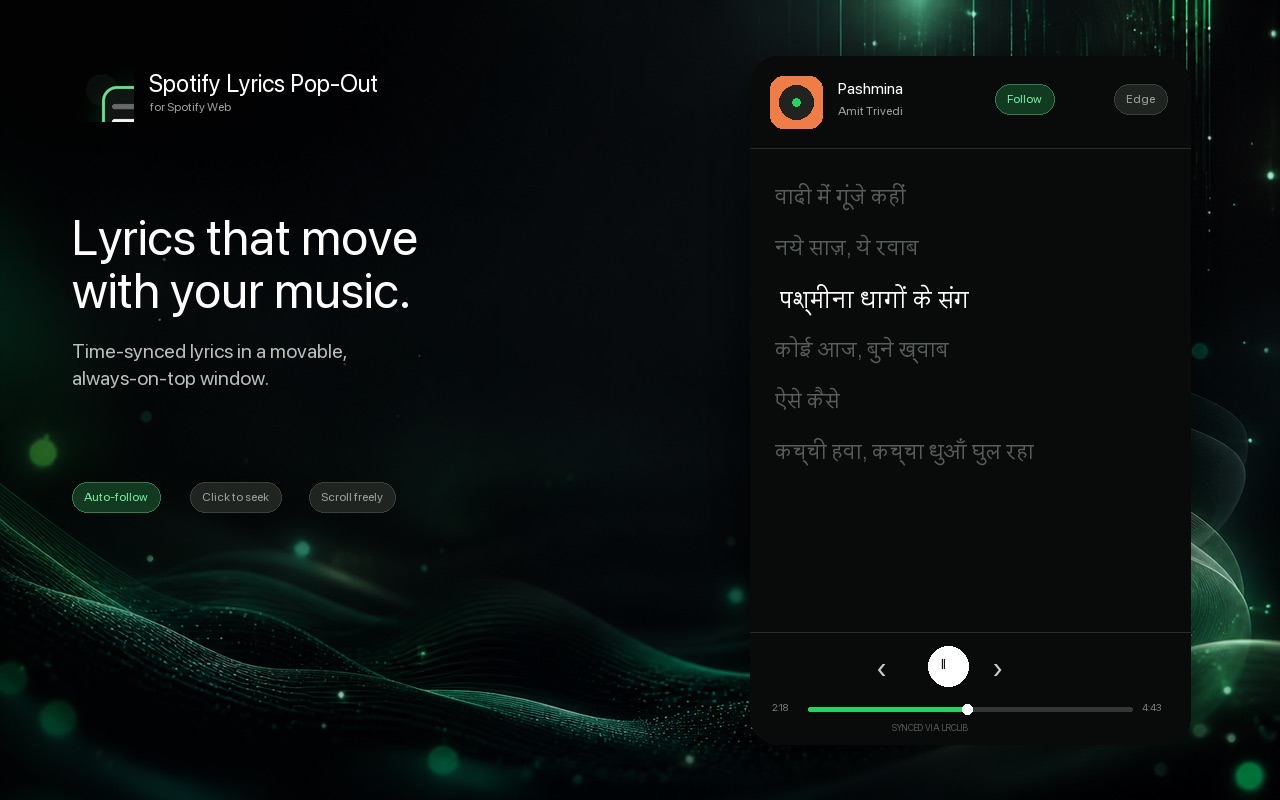
Synced line by line, in any language
The current line is highlighted as the song plays. Scroll to read ahead and the lyrics catch up again five seconds later. Lyrics timed to the music video are used when they exist.
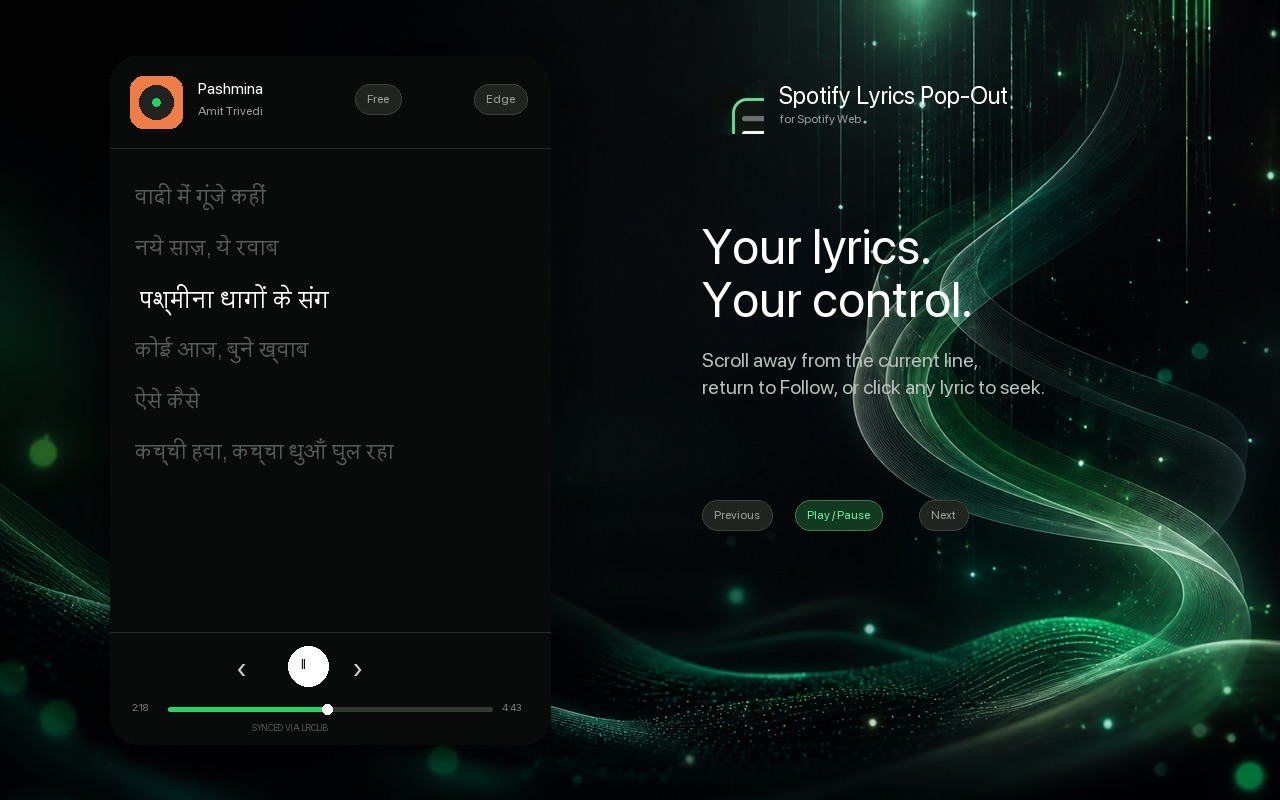
Control YouTube Music from the lyrics
Click any line to jump to that part of the song, scrub the timeline, and use previous, play/pause and next without going back to the YouTube Music tab.
YouTube Music lyrics: questions
Using Spotify instead? See the Spotify lyrics page. Still stuck? See the support page.
Does YouTube Music have floating or always-on-top lyrics?
YouTube Music shows lyrics in its own Lyrics tab, but there's no floating lyrics window that stays on top of other apps, and many songs aren't time-synced there. Spotify Lyrics Pop-Out adds a synced, always-on-top lyrics window for music.youtube.com using Chrome's Picture-in-Picture window.
How do I pop out YouTube Music lyrics into a separate window?
Install Spotify Lyrics Pop-Out from the Chrome Web Store, open music.youtube.com in desktop Google Chrome and play a song. Click the extension icon, then the green Lyrics Pop-Out button on the page. The lyrics open in a floating window you can move and resize.
Do I need a YouTube Premium or Google account?
No. It works with free YouTube Music, with or without signing in, and the extension itself needs no account. While an ad plays, the lyrics window simply waits for the song.
Why are there no lyrics for some music videos?
Official music videos are often 30 to 60 seconds longer than the song because of intros and outros. The extension uses lyrics timed to the video when they exist. If the only lyrics are for a version that's too different, it shows none rather than out-of-time lines, and suggests switching YouTube Music from Video to Song.
What if the lyrics are out of sync?
Use the sync control to shift lyrics earlier or later in half-second steps. You can share the fix so every listener gets the corrected timing for that song.
Does the same extension work with Spotify?
Yes. It's the same extension: it works on Spotify Web (open.spotify.com) and YouTube Music in desktop Google Chrome 130 or newer.
Keep the lyrics in view
Free for Chrome on Windows, macOS, Linux and ChromeOS.
Add to Chrome, it's free